> ## Documentation Index
> Fetch the complete documentation index at: https://docs.vibescale.run/llms.txt
> Use this file to discover all available pages before exploring further.
# Overview
> Understand the full onboarding flow and what to expect at each step.
 From sign-up to your first report, VibeScale walks you through five simple steps. No infrastructure setup required — all you need is your GitHub repository and your app's production URL.
Go to [vibescale.run](https://vibescale.run) and create your account. Registration is free during the Beta.
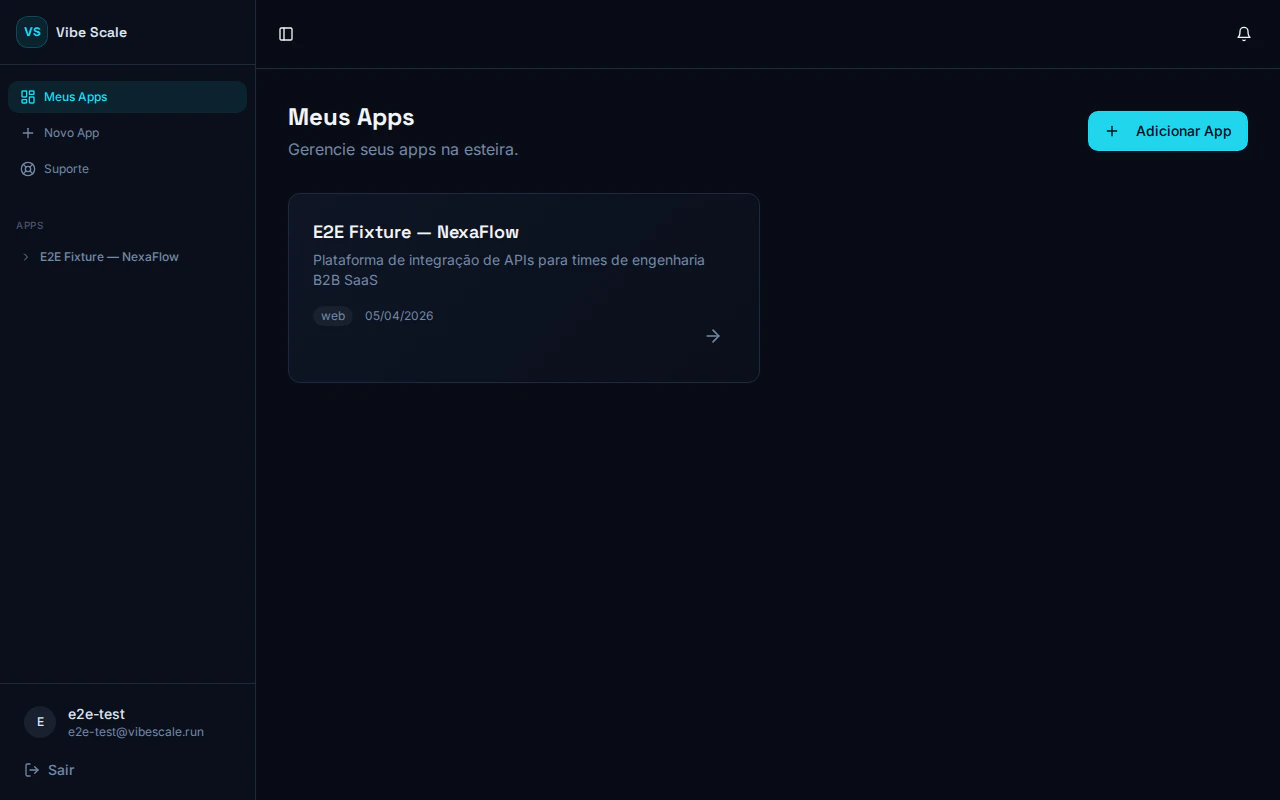
On the **My Apps** screen, click **Add App**. Enter a name and a brief description of what your app does and who it's for — this information is used to contextualize the opportunity analysis.
Click **Connect GitHub** and authorize VibeScale to read your repository via OAuth. No data is stored beyond what is needed to run the analyses.
Choose the correct repository from the dropdown and enter the URL where your app is deployed. The platform validates that the URL is reachable before proceeding.
After creation, you are redirected to the **App Dashboard**. From there, you start and track all three analysis tracks: Opportunity, Security, and Scalability.
Step-by-step guide to creating your first app on the platform.
How to authorize access to your repository.
What each dashboard section means and how to act on results.
From sign-up to your first report, VibeScale walks you through five simple steps. No infrastructure setup required — all you need is your GitHub repository and your app's production URL.
Go to [vibescale.run](https://vibescale.run) and create your account. Registration is free during the Beta.
On the **My Apps** screen, click **Add App**. Enter a name and a brief description of what your app does and who it's for — this information is used to contextualize the opportunity analysis.
Click **Connect GitHub** and authorize VibeScale to read your repository via OAuth. No data is stored beyond what is needed to run the analyses.
Choose the correct repository from the dropdown and enter the URL where your app is deployed. The platform validates that the URL is reachable before proceeding.
After creation, you are redirected to the **App Dashboard**. From there, you start and track all three analysis tracks: Opportunity, Security, and Scalability.
Step-by-step guide to creating your first app on the platform.
How to authorize access to your repository.
What each dashboard section means and how to act on results.