> ## Documentation Index
> Fetch the complete documentation index at: https://docs.vibescale.run/llms.txt
> Use this file to discover all available pages before exploring further.
# Inbox
> Open support tickets and track the progress of your requests.
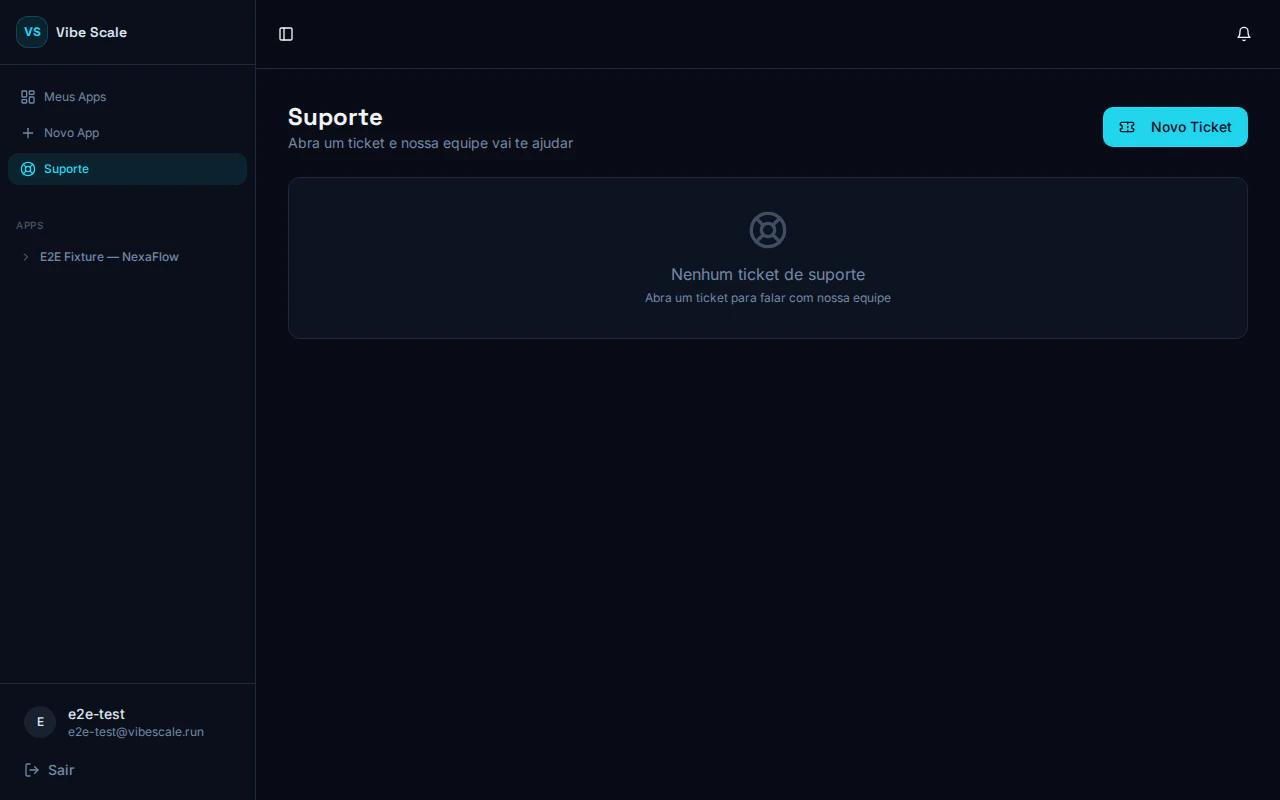 The **Inbox** is VibeScale's official support channel. Use it to ask questions, report issues, or request help with any platform feature.
## Creating a ticket
The **New Ticket** button is at the top corner of the support screen.
* **Ticket subject** — a clear summary of what you need
* **Related app** — optional, select the app if the question is specific to one
* **Description** — describe your question or issue in detail
Click **Send**. You will see the confirmation: "Support ticket created! Our team has been notified."
## Tracking the ticket
After creation, the ticket opens as a **chat-style thread**. You can:
* Read team responses directly in the thread
* Add new messages while the ticket is open
* Track the status at the top of the conversation
## Ticket status
The ticket was created and is waiting for a response. Our team has been notified and will review it shortly.
The ticket has been escalated for human attention. A team member is reviewing the case.
The request has been closed. If the issue comes back, open a new ticket.
All communication is recorded in the ticket thread. There is no need to send a separate email.
The **Inbox** is VibeScale's official support channel. Use it to ask questions, report issues, or request help with any platform feature.
## Creating a ticket
The **New Ticket** button is at the top corner of the support screen.
* **Ticket subject** — a clear summary of what you need
* **Related app** — optional, select the app if the question is specific to one
* **Description** — describe your question or issue in detail
Click **Send**. You will see the confirmation: "Support ticket created! Our team has been notified."
## Tracking the ticket
After creation, the ticket opens as a **chat-style thread**. You can:
* Read team responses directly in the thread
* Add new messages while the ticket is open
* Track the status at the top of the conversation
## Ticket status
The ticket was created and is waiting for a response. Our team has been notified and will review it shortly.
The ticket has been escalated for human attention. A team member is reviewing the case.
The request has been closed. If the issue comes back, open a new ticket.
All communication is recorded in the ticket thread. There is no need to send a separate email.