
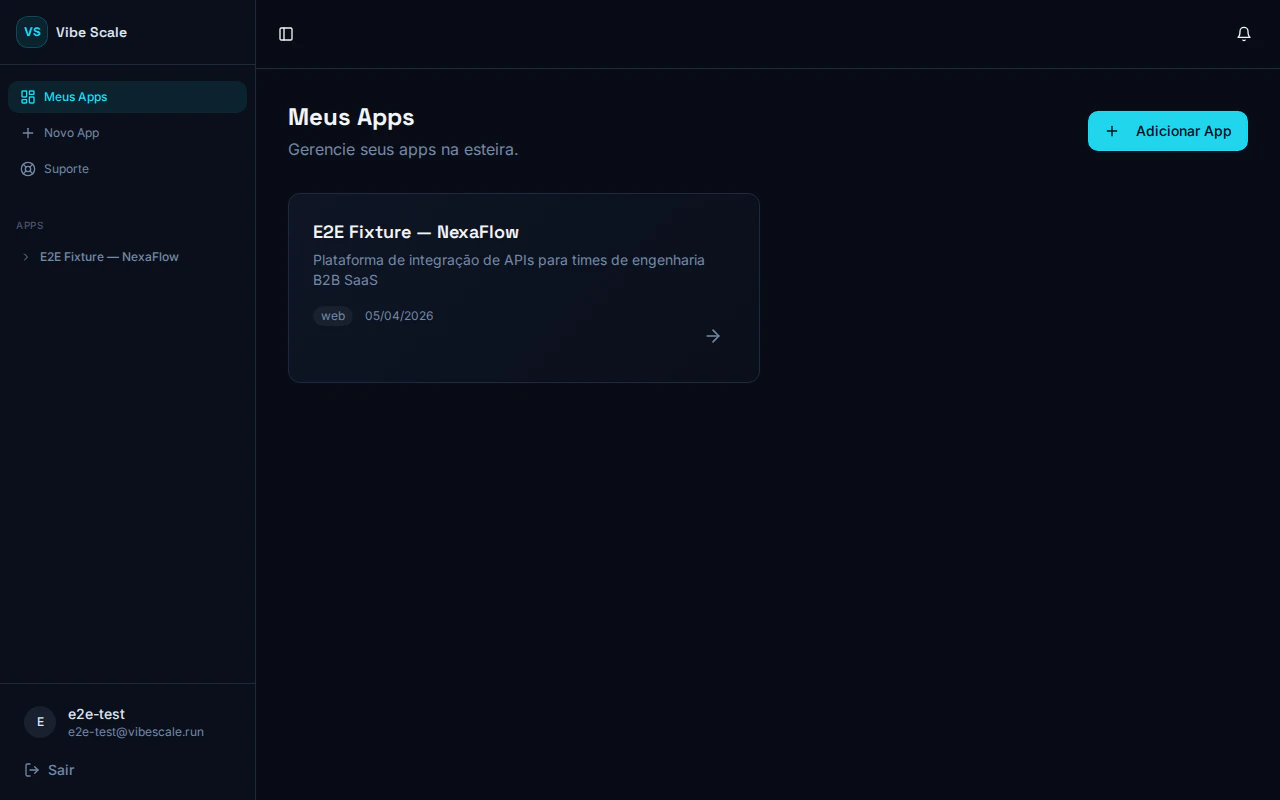
VibeScale portal — list of GitHub-connected apps
1
Create your account
Go to vibescale.run and create your account. Registration is free during the Beta.
2
Add your app
On the My Apps screen, click Add App. Enter a name and a brief description of what your app does and who it’s for — this information is used to contextualize the opportunity analysis.
3
Connect GitHub
Click Connect GitHub and authorize VibeScale to read your repository via OAuth. No data is stored beyond what is needed to run the analyses.
4
Select repository and URL
Choose the correct repository from the dropdown and enter the URL where your app is deployed. The platform validates that the URL is reachable before proceeding.
5
Track the analysis on the dashboard
After creation, you are redirected to the App Dashboard. From there, you start and track all three analysis tracks: Opportunity, Security, and Scalability.
Create an app
Step-by-step guide to creating your first app on the platform.
Connect GitHub
How to authorize access to your repository.
Use the dashboard
What each dashboard section means and how to act on results.