
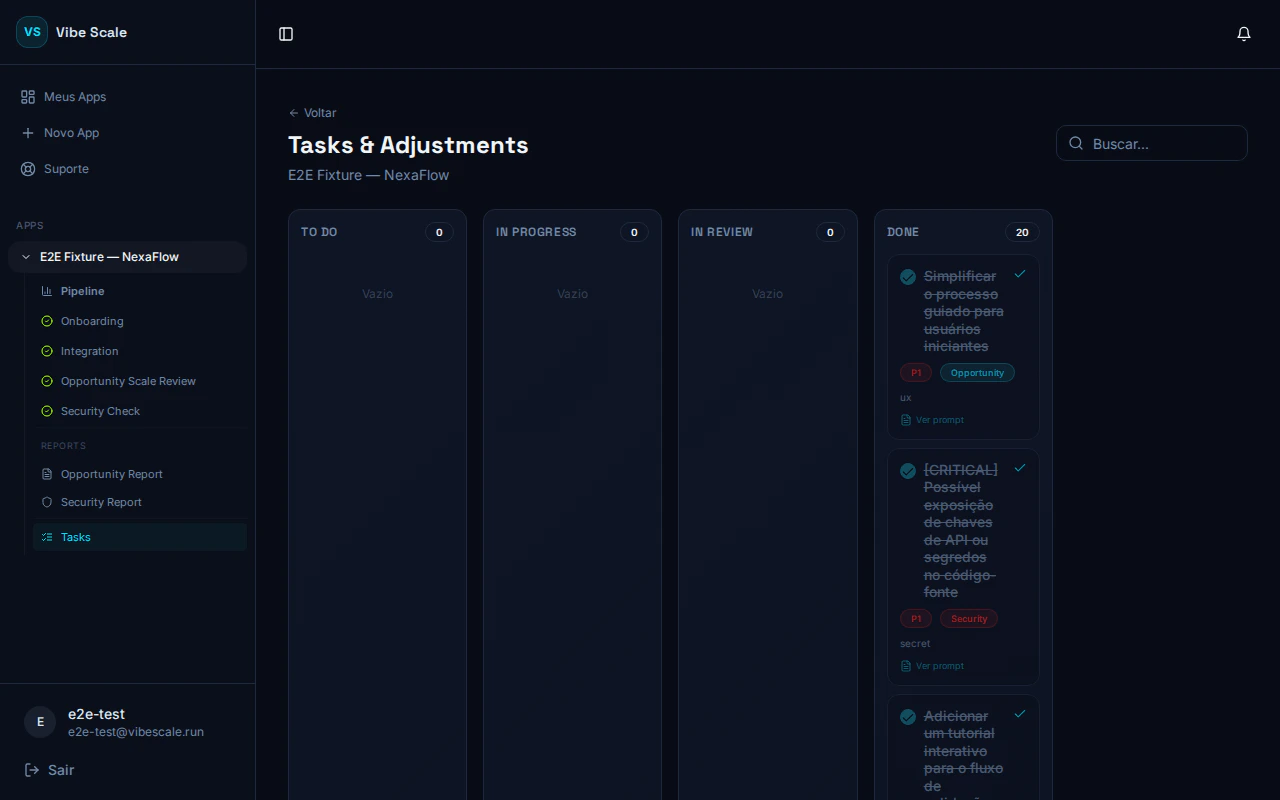
VibeScale Task Kanban — security remediations organized by status
- Opportunity — actions identified through market opportunity analysis
- Security — fixes recommended by the security report
The 4 columns of the board
TO DO
Identified tasks waiting to be started. Entry point for all new actions.
IN PROGRESS
Tasks you have already started working on.
IN REVIEW
Tasks completed internally and awaiting validation.
DONE
Completed tasks. Security tasks marked here help unlock the Re-Check.
Opening a task
Click any card to open the detail panel. There you’ll find:- Full title and description of the recommended action
- Source badge — Opportunity or Security
- Internal notes field — record what was done, PR links, or context for the team
- Save comment button — saves your notes
- Column selector — moves the task to another stage
- Complete button — marks the task as done and moves it to DONE
- Reopen task button — available for completed tasks, lets you move the task back to TO DO