
VibeScale inbox — alerts and messages from the analysis pipeline
Creating a ticket
1
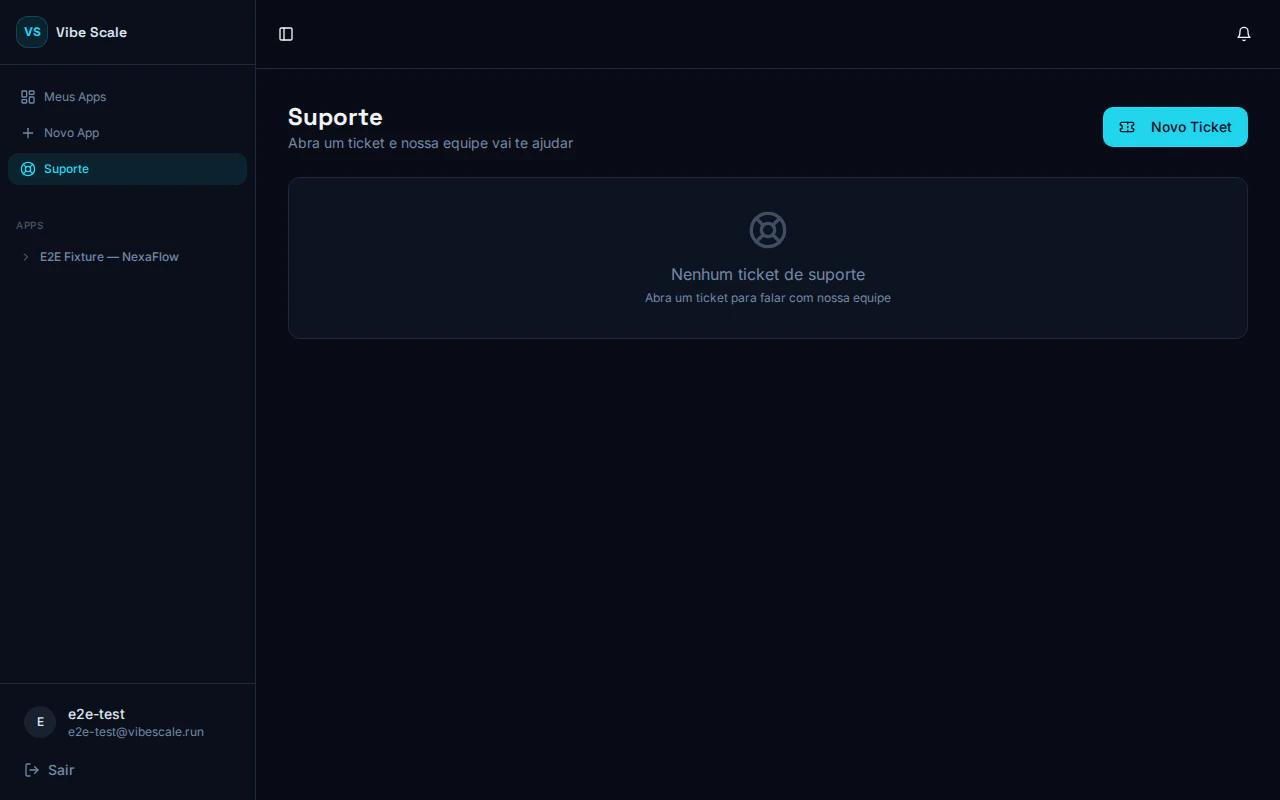
Click New Ticket
The New Ticket button is at the top corner of the support screen.
2
Fill in the form
- Ticket subject — a clear summary of what you need
- Related app — optional, select the app if the question is specific to one
- Description — describe your question or issue in detail
3
Submit the ticket
Click Send. You will see the confirmation: “Support ticket created! Our team has been notified.”
Tracking the ticket
After creation, the ticket opens as a chat-style thread. You can:- Read team responses directly in the thread
- Add new messages while the ticket is open
- Track the status at the top of the conversation
Ticket status
Open
Open
The ticket was created and is waiting for a response. Our team has been notified and will review it shortly.
Awaiting support
Awaiting support
The ticket has been escalated for human attention. A team member is reviewing the case.
Resolved
Resolved
The request has been closed. If the issue comes back, open a new ticket.
All communication is recorded in the ticket thread. There is no need to send a separate email.